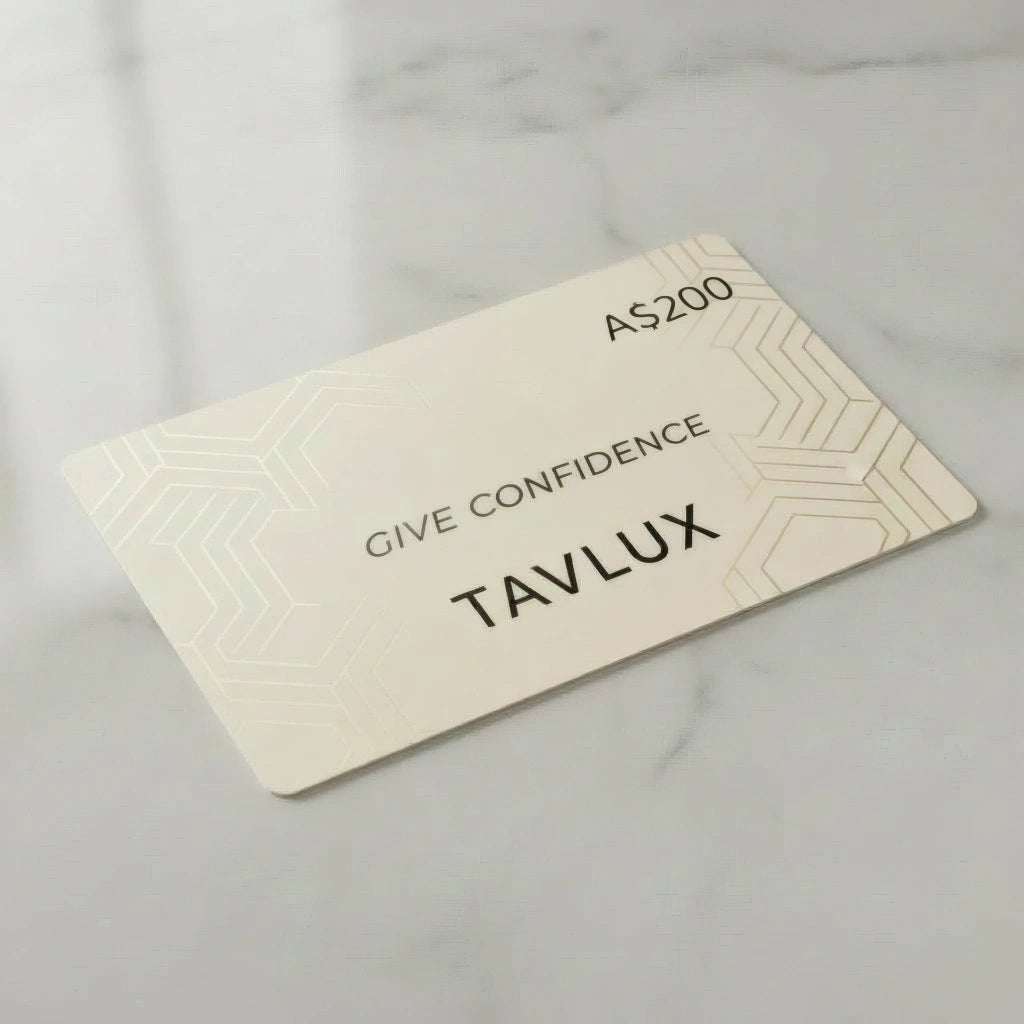
Tavlux Gift Card
Tavlux Gift Card
Choose Amount
Couldn't load pickup availability
How to use
How to use
How to Redeem Your Gift Card at Checkout
Step 1: Locate Your Gift Card Code
Your gift card code appears in the email you received (for digital gift cards) or on the physical card itself. The code is typically 16 characters long and may include both letters and numbers.
Step 2: Shop and Add Items to Your Cart
Browse the Shopify store and add your desired products to your shopping cart. You can select any items available in the store until you're ready to complete your purchase.
Step 3: Proceed to Checkout
Once you've finished shopping, click the checkout button to navigate to the payment page. The gift card entry field only appears during checkout, not in your shopping cart.
Step 4: Enter Your Gift Card Code
Look for a field labeled "Gift Card or Discount Code" on the checkout page. Carefully enter your 16-character code exactly as it appears, paying attention to avoid typos or spacing errors.
Step 5: Apply the Code and Complete Your Purchase
Click the apply button to deduct the gift card value from your order total. You'll see the updated balance on your screen showing how much the gift card covered. If your purchase exceeds the gift card balance, you'll need to pay the remaining amount using another accepted payment method such as a credit card or PayPal.
Checking Your Gift Card Balance
You can verify your remaining balance before making a purchase by visiting the specific Shopify store's website and looking for a "Check Gift Card Balance" option, typically found in the footer or help section. Alternatively, contact the store's customer support team with your gift card code to inquire about the current balance.
Troubleshooting Common Issues
Invalid or Incorrect Code Error
Double-check that you've entered the code exactly as it appears, with no extra spaces or incorrect characters. If the code continues to be rejected, contact the store's customer support for assistance.
Insufficient Balance
When your cart total is higher than your gift card balance, the system will prompt you to add another payment method to cover the difference. The gift card will automatically apply its full available balance, and you'll only pay the remaining amount.
Gift Card Email Not Received
Check your spam or junk folder if you haven't received your digital gift card email. Verify that the correct email address was provided during purchase, and contact the store's support team if the email still hasn't arrived after checking these areas.
Restrictions and Limitations
Gift cards typically cannot be used to purchase additional gift cards. Some stores may also have specific policies regarding gift card usage, so review the terms and conditions provided with your card.
Tavlux Gift Card